.png)
Zoom Phone call queues allow users (agents) to receive incoming calls for a shared phone number. Depending on configuration, agents can opt in or opt out of a call queue when they are available or unavailable to take calls.
📘 Instructions
-
Open the Zoom app
-
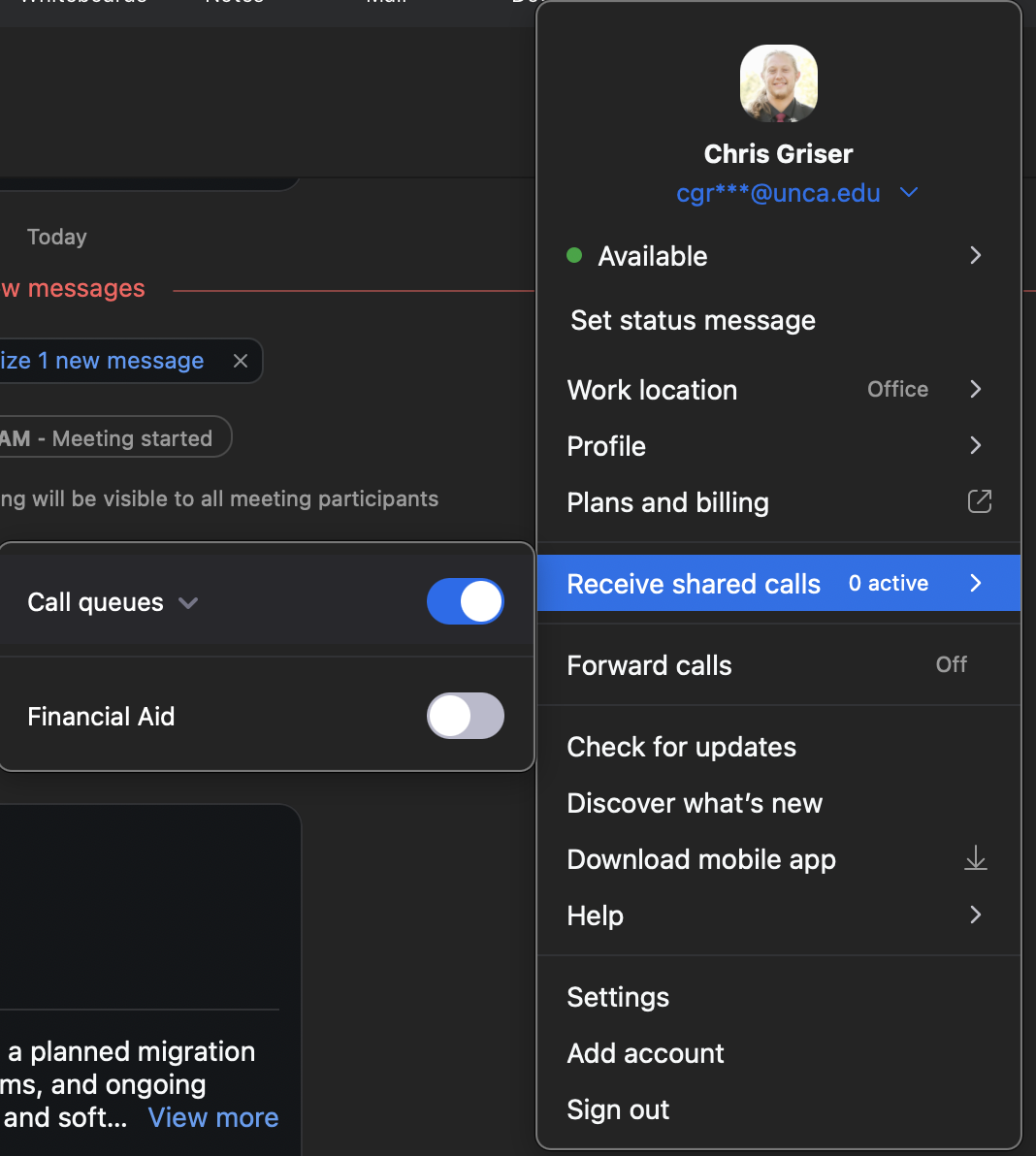
Click the profile picture at the top right of the Zoom app
-
Hover over Received shared calls users should see the associated name of the call queue they are apart of
-
Click the slider to enable and disable the call queue to receive calls or not