.png)
In order to connect to a shared drive, use “This PC” from within the Explorer window.
Open Windows Explorer (the folder icon)
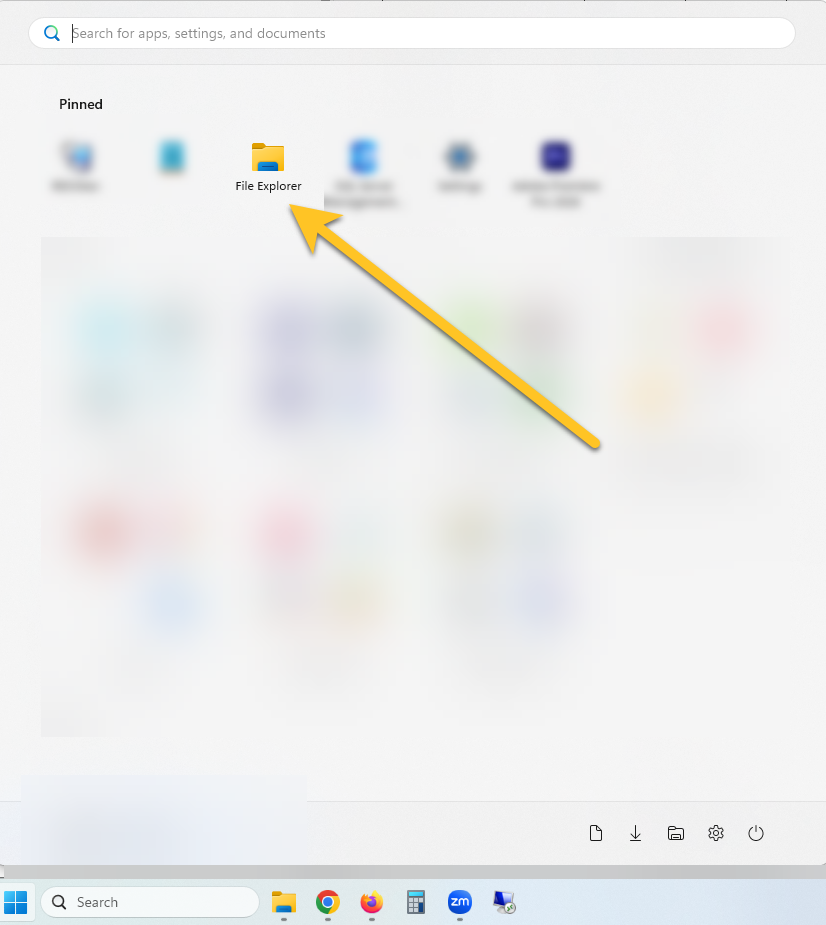
Then you can click on “This PC” on the left hand menu.
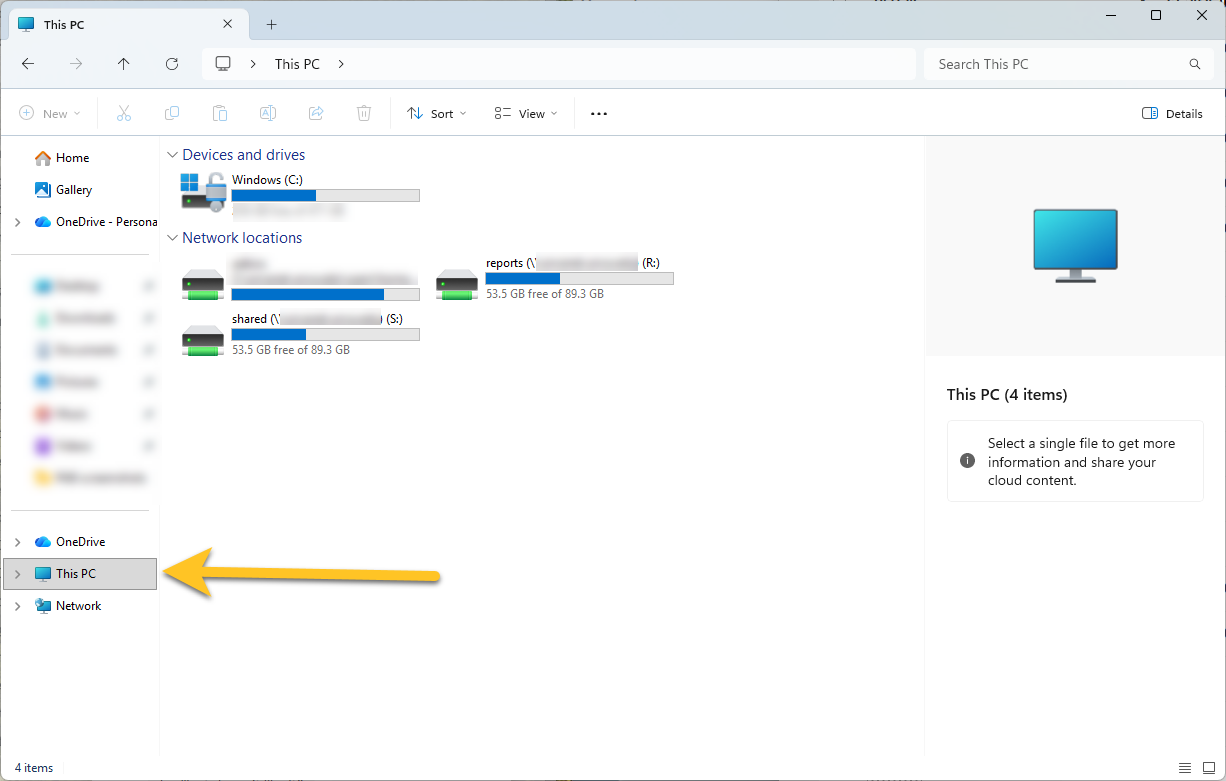
From here you can open any of the shared drives you have permission to access!
For more on requesting permission, see our KB https://uncakb.atlassian.net/wiki/spaces/KB/pages/135888901/Request+access+to+a+shared+drive
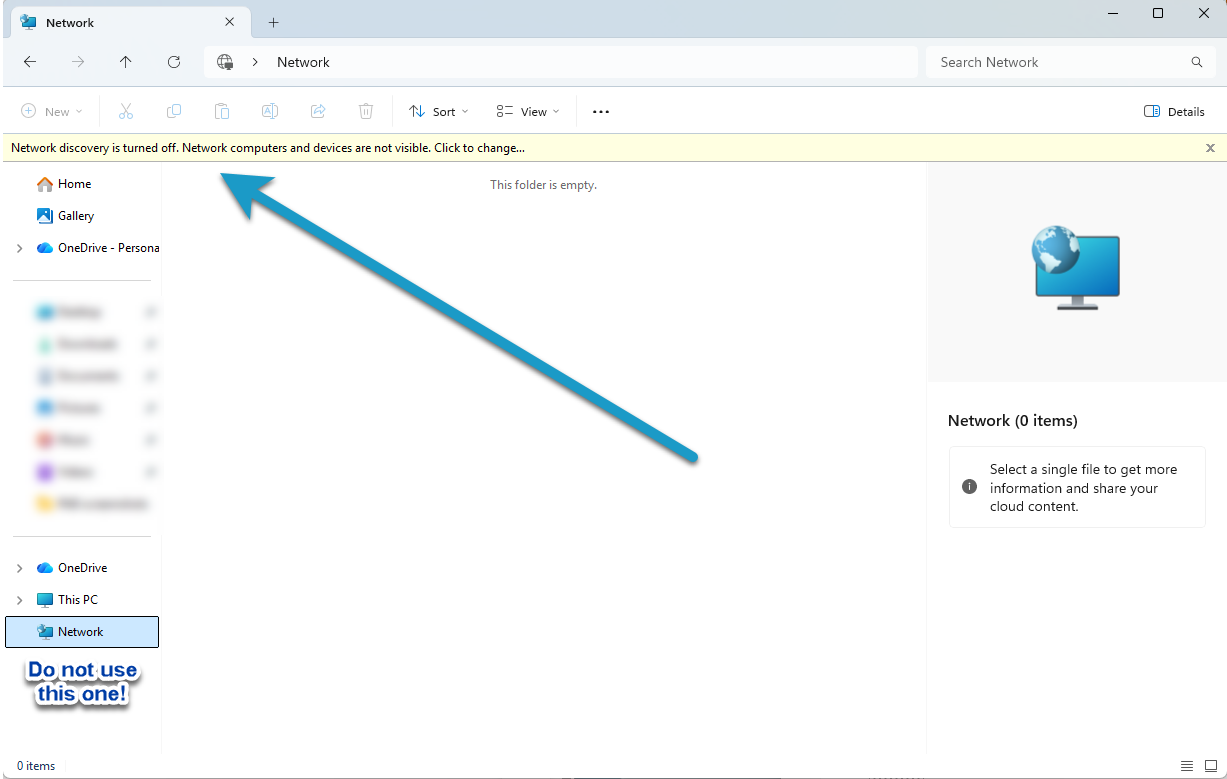
If you run into any trouble, make sure you are utilizing “This PC”. If you click on Network instead you will see the error below. Note, Network Discovery is turned off for security reasons.