.png)
In order to remove your phone from the UNC Asheville’s Multi-Factor Authentication (MFA) system prior to relinquishing control of the device, you will need to remove the account from the app.
Prior to taking these steps, ensure the Microsoft Authenticator app is set up and correctly receiving codes! Once you follow this process you will lose access via this device.
Follow our New Phone MFA guide!
Open the Microsoft Authenticator app on your phone

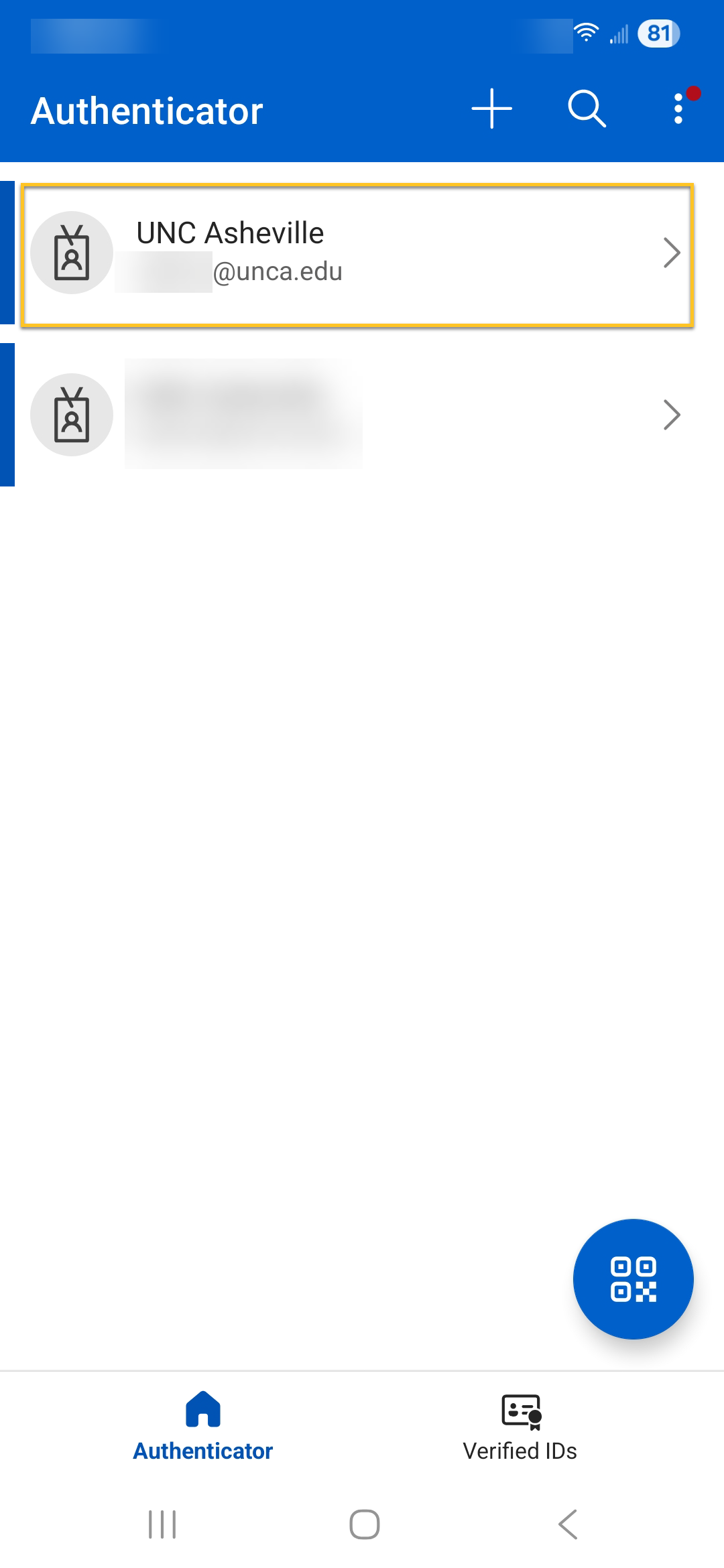
Tap on your UNC Asheville account
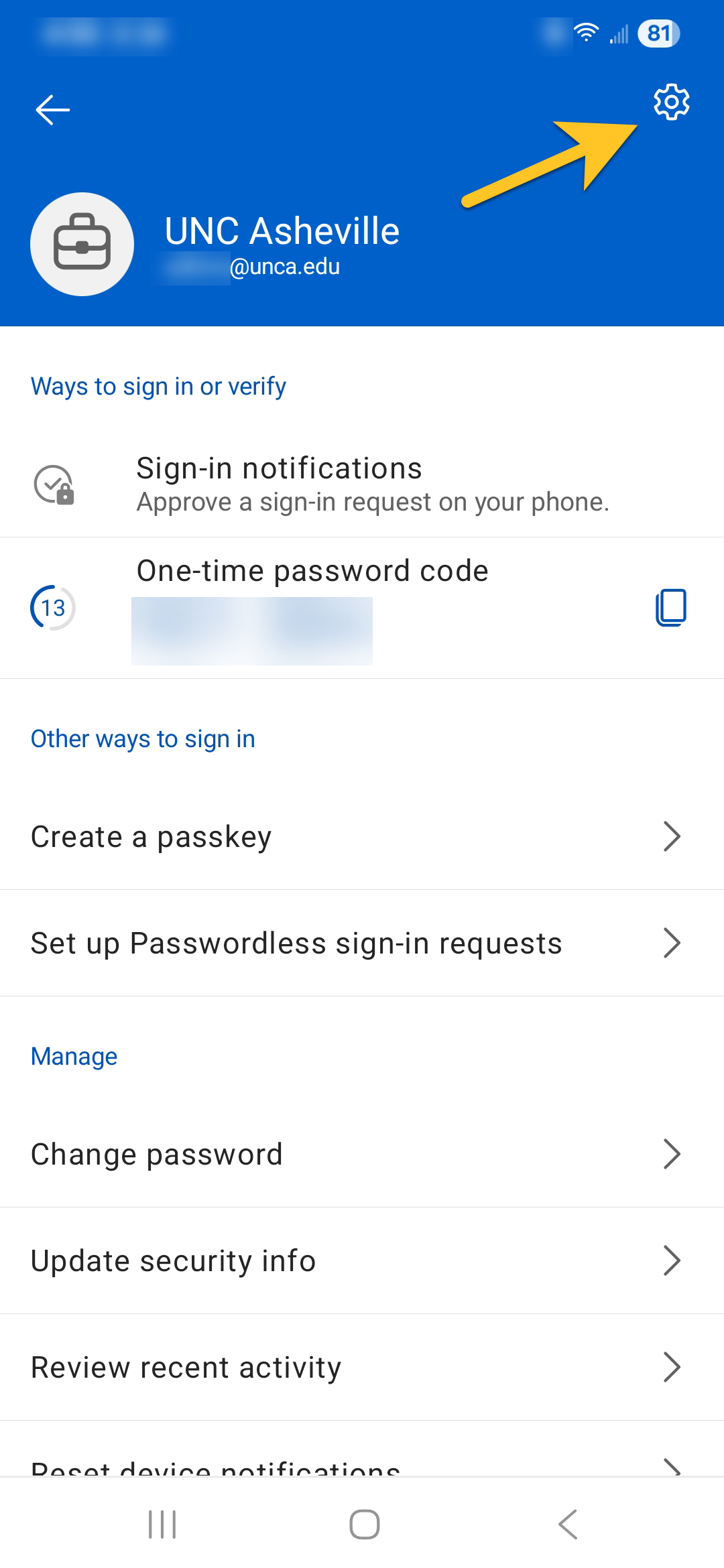
Tap the settings cog in the upper left corner
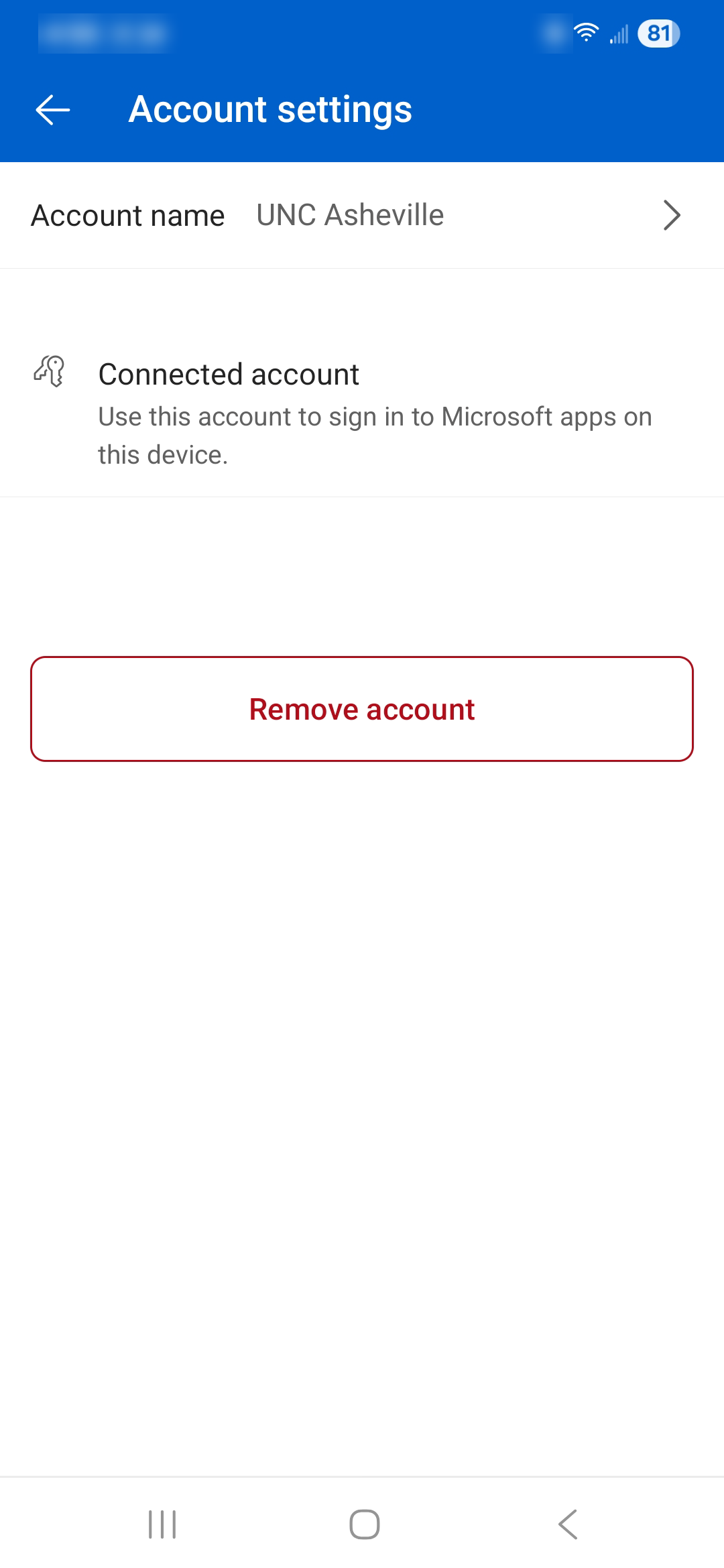
Use the Remove Account button to securely remove the account