.png)
Following employee separation, the Google account will automatically be suspended. This will prevent email from being delivered. Any messages to that user will receive this bounce back.
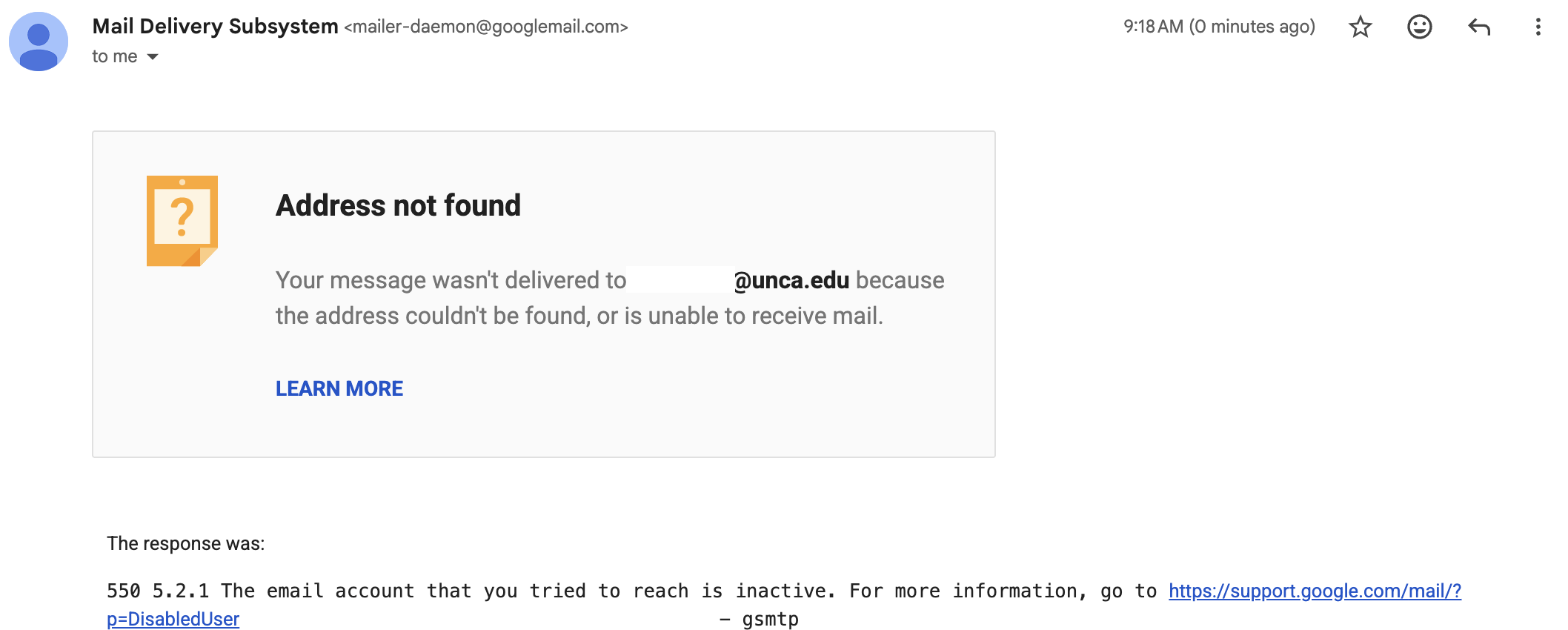
A separated employee Google account can be reactivated by request for 3 months. This allows their supervisor or a designee to retrieve data, set a vacation responder, or transfer ownership of assets.
Reactivation and access to separated user data MUST be approved by the separated user’s supervisor or General Counsel. Access may be requested via a ticket to ITS. The supervisor should either be the ticket requester or be CCed to provide approval.
All data (Drive, Emails, Calendars, etc.) that remains in the user’s Google account following separation is subject to deletion. If the HR Separation Checklist was not completed there may be data needs to be retrieved and retained for business continuity or retention.
Email
Separated user inboxes can be delegated at their supervisor’s request for 3 months. This grants the delegate access to all mail stored in the user’s inbox (and other active folders), as well as new mail that’s received while the account is active. It also allows the delegate to send email as the separated user. We recommend setting a vacation responder to notify senders that they’re sending to an inactive address.
Google Drive
Google Drive data owned by the separated user can be bulk-transferred to a new owner. Typically this is the separated employee’s supervisor so they can determine the correct long term storage locations. Please be aware, ALL data changes owners. This is important to remember if the separated employee did work in multiple departments or stored incidental personal data in Google Drive.
Google Calendars
While we discourage using personal calendars for group scheduling (use a group calendar, and remember to add another owner before separation) there may be situations where events need to be cleared or the calendar needs to be transferred. These will require a ticket with the specific request as this is a non-standard task upon separation. If the user was a the sole owner of a group calendar, the user’s supervisor should submit a ticket with the new owner(s) and the calendar ID (found in the calendar’s settings).
Upcoming Changes
Best practice and data governance policy will soon require that we consistently delete data after separation. While we can currently retrieve files from user’s that separated a relatively long time ago, this will not always be the case. Please diligently work during offboarding to identify and retain critical data.
Soon, separated users will be placed in a “Zero Quota” group. This means that no new data can be written to their Google account, including making edits to Google Docs they own. This will assist in identifying docs that belong to separated users that may still be in use before they’re deleted.