.png)
Installing the Client
Once you have gained access, you can install the client via the “Software Center” app on Windows or the “Self Service” app on MacOS. Go to your respective app and install it with the directions below.
MacOS
-
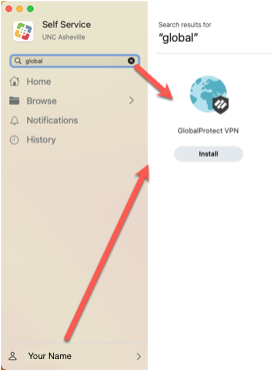
Sign in to the “Self Service” App
-
Search for “global” and hit “Install” on the Global Protect app that shows up.
Windows
-
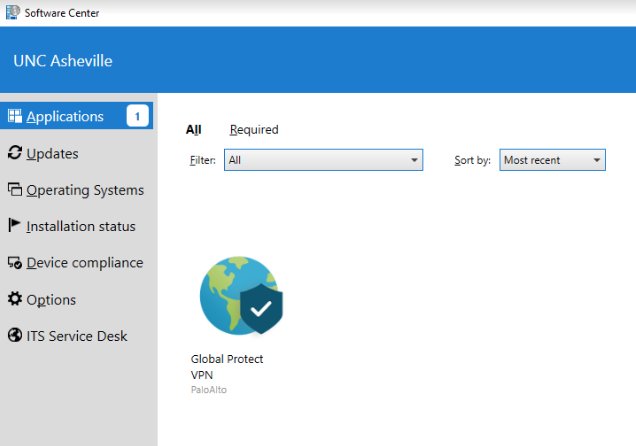
Open the “Software Center” App
-
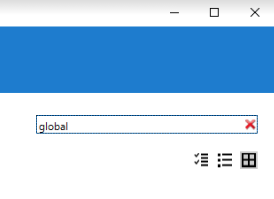
Search for “global” and select the Global Protect App, then click Install.